See the project.
Know the people.
Make your move.
From the first signal to your next conversation. Everything you need to turn construction activity into opportunity.
Explore the platformYour market.
Two ways to explore it.
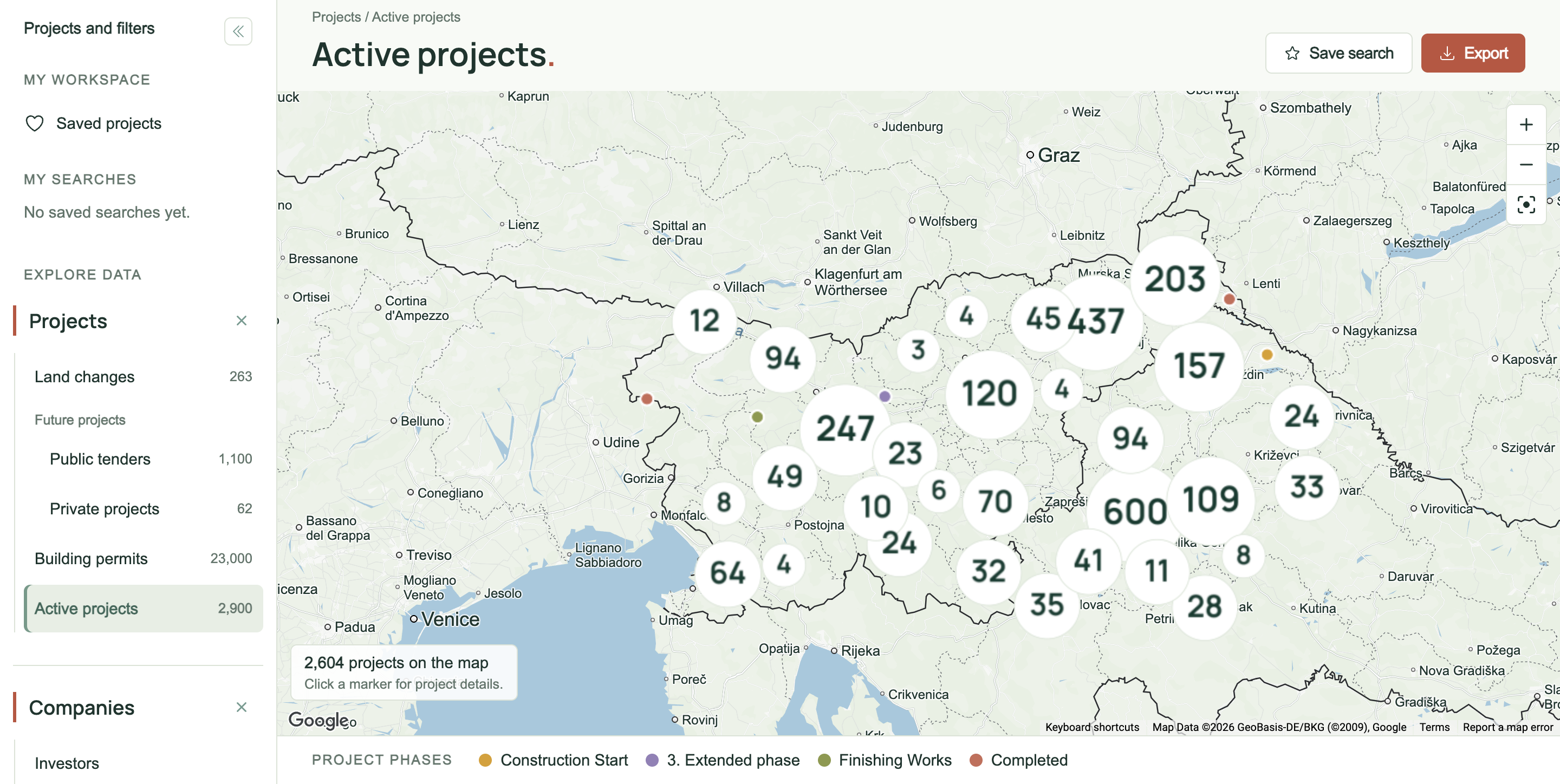
Move between a project list and a map. See how many projects match your filters, then choose the ones worth a closer look.
See the full picture, then narrow your search by location, building type or project phase.
Explore the project list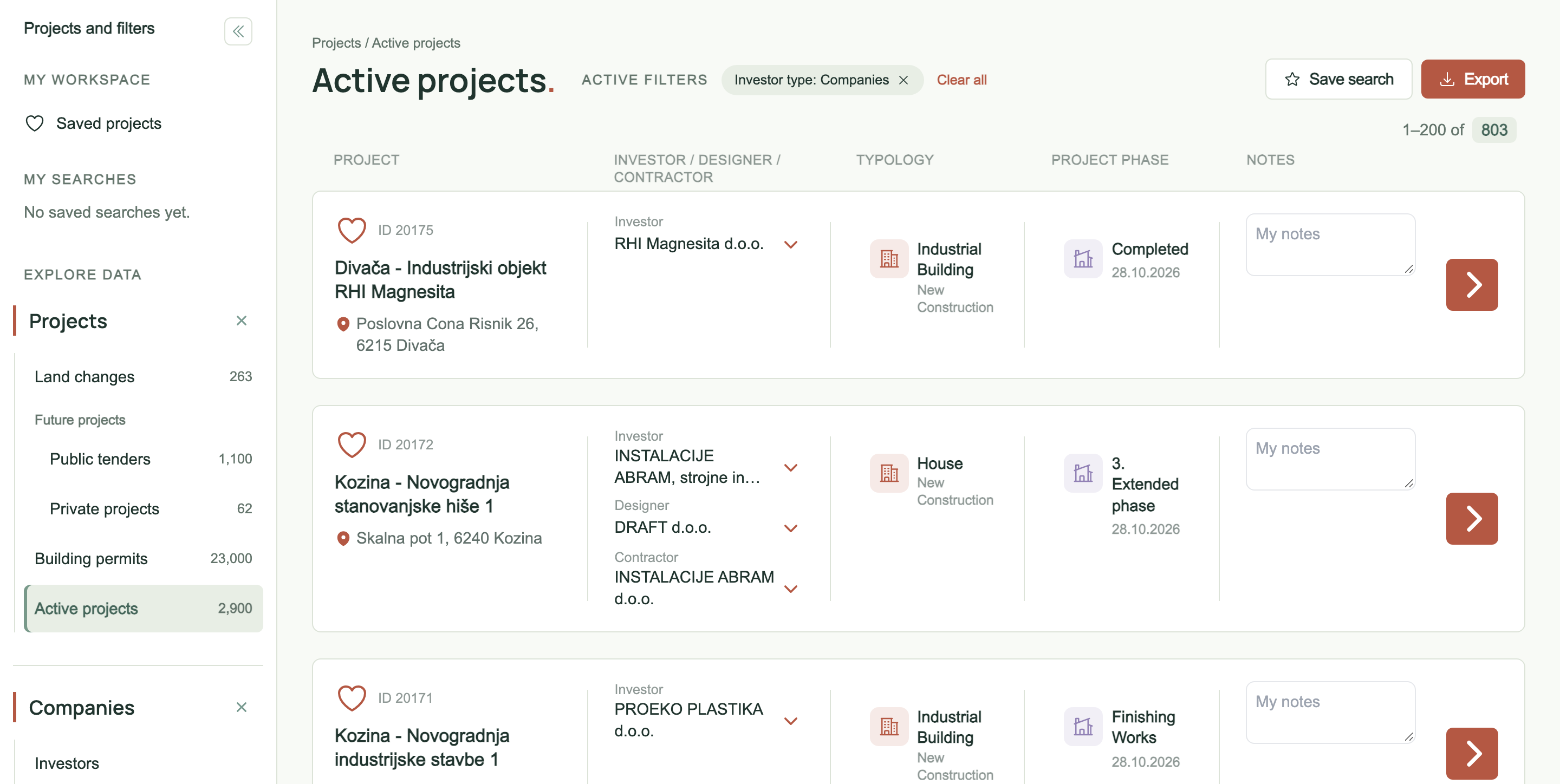
Arrive informed.
Start a better conversation.
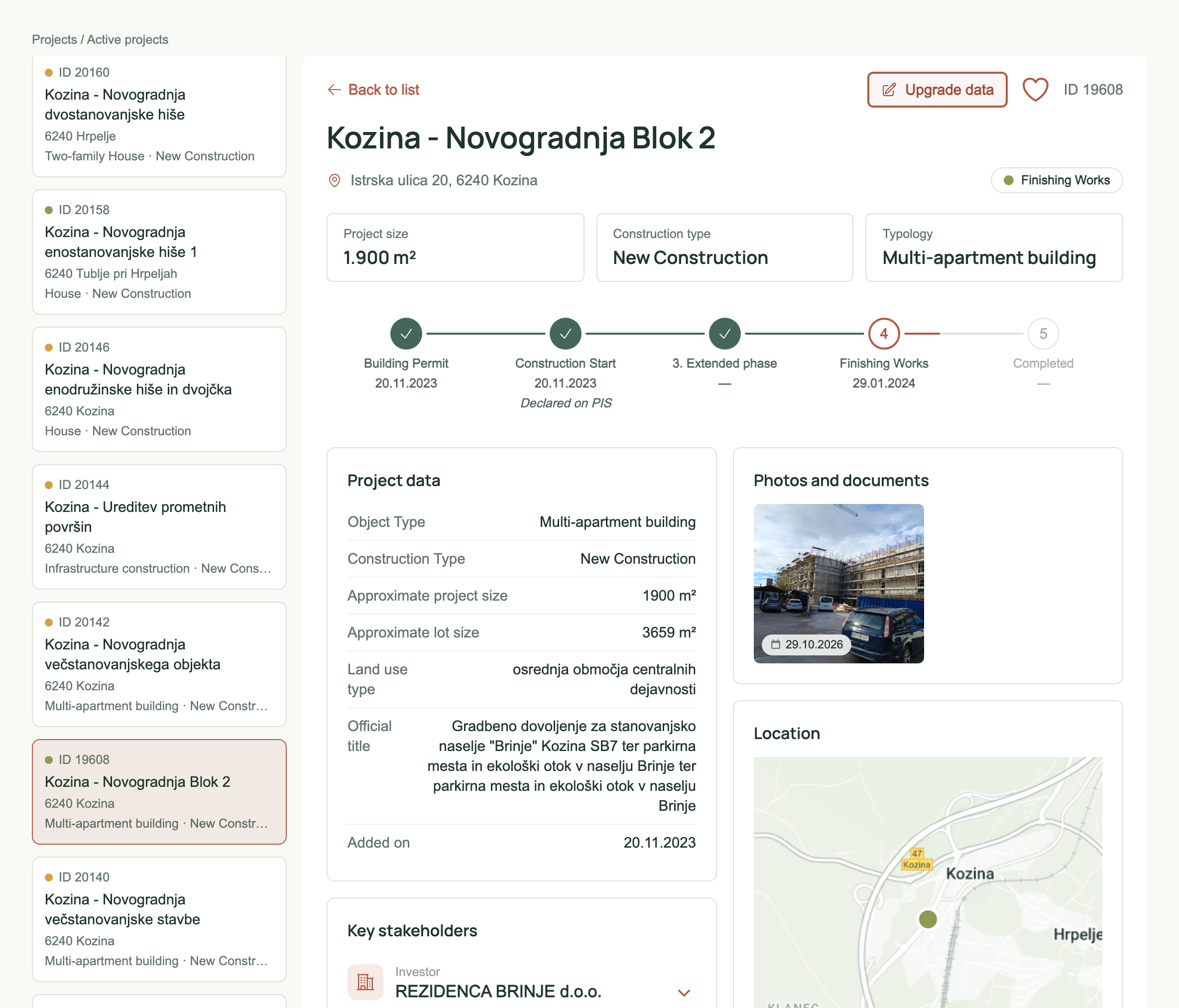
Open a project to find its location, building type, size, latest description, photos and available documents in one place.
Know what is being built before you pick up the phone.
Timing changes
the opportunity.
Follow the project timeline and identify the stage that fits your offer. A window supplier, for example, can watch for construction starting and walls taking shape.
Approach projects when your product or service becomes relevant.
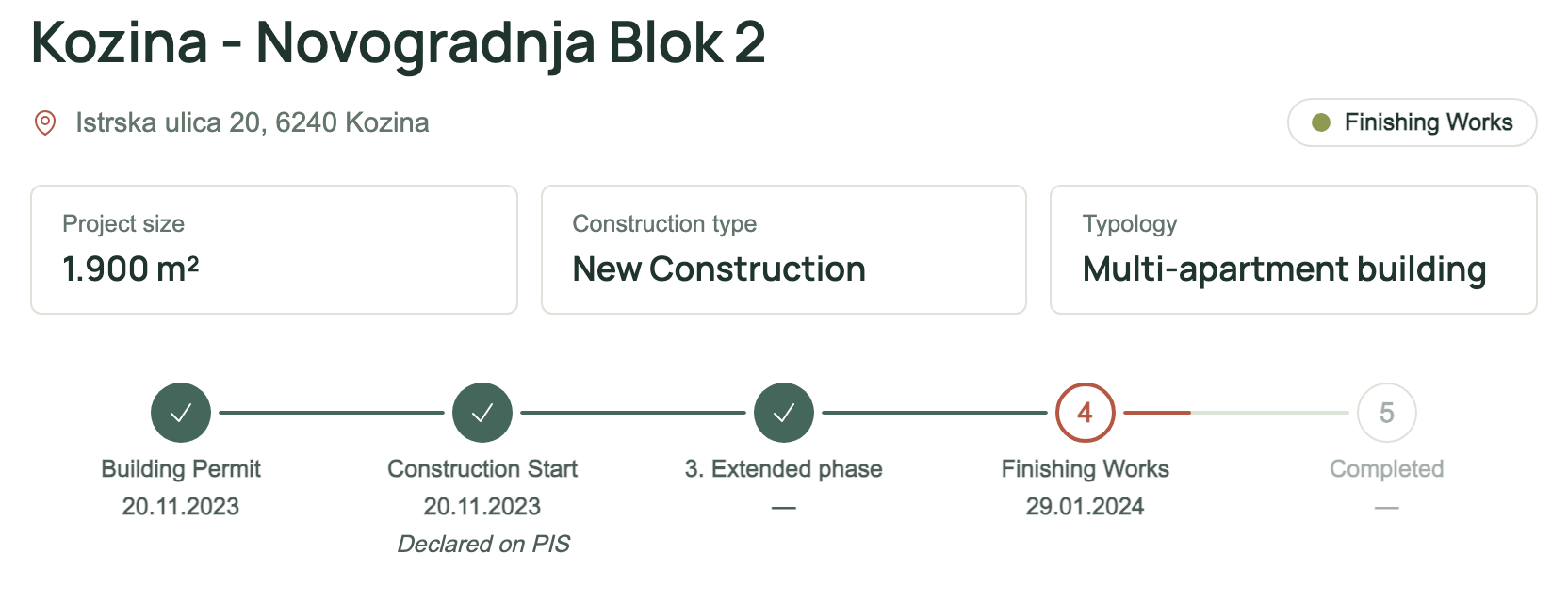
Follow construction progress and check purchasing requirements early — the right moment varies by project.
Meet the people
behind the project.
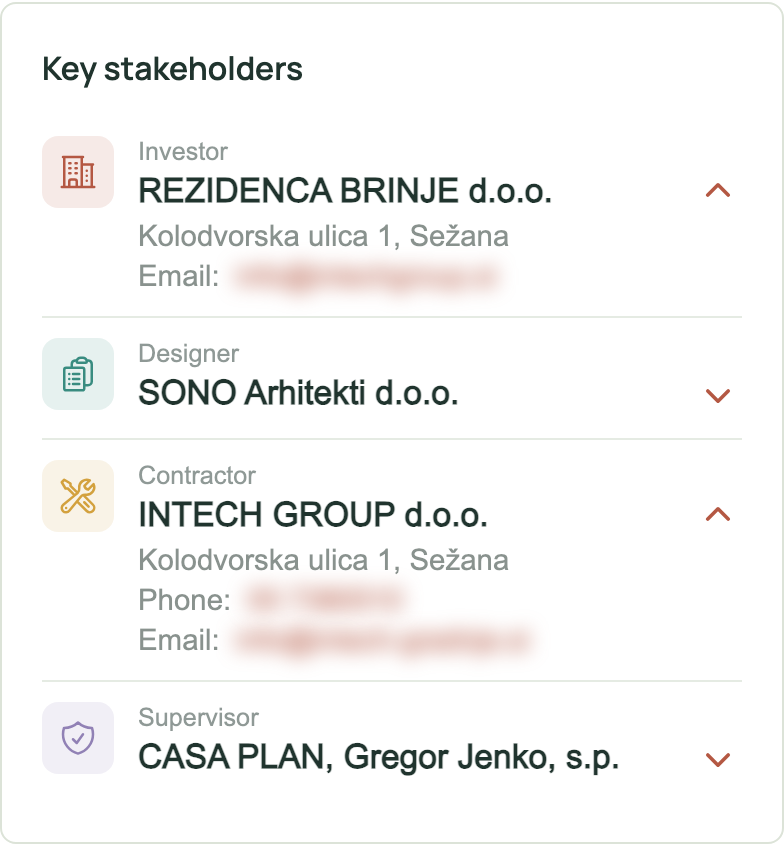
Identify the investor, architect and contractor. Use the available contact details to find the right person for your next conversation.
Call for an informed sales approach, or email a relevant introduction or brochure.
Your tools. Your team.
One shared workflow.
Your opportunities.
In your own workflow.
Select the project data you need and export it for your CRM. Use an API connection where available to fit project intelligence into your existing tools.
Spend less time copying data and more time following up.
- Project
- Location
- Stage
Example export. API availability and CRM mapping depend on the implementation.
One company.
A connected team.
Give colleagues access to the platform and manage company users from an administration view.
Support several people working with the same construction intelligence.
- ABAlex Brownalex@example.comAdmin
- JLJamie Leejamie@example.comUser
- SMSam Morgansam@example.comUser
Illustrative users.
Keep the projects
you want to follow.
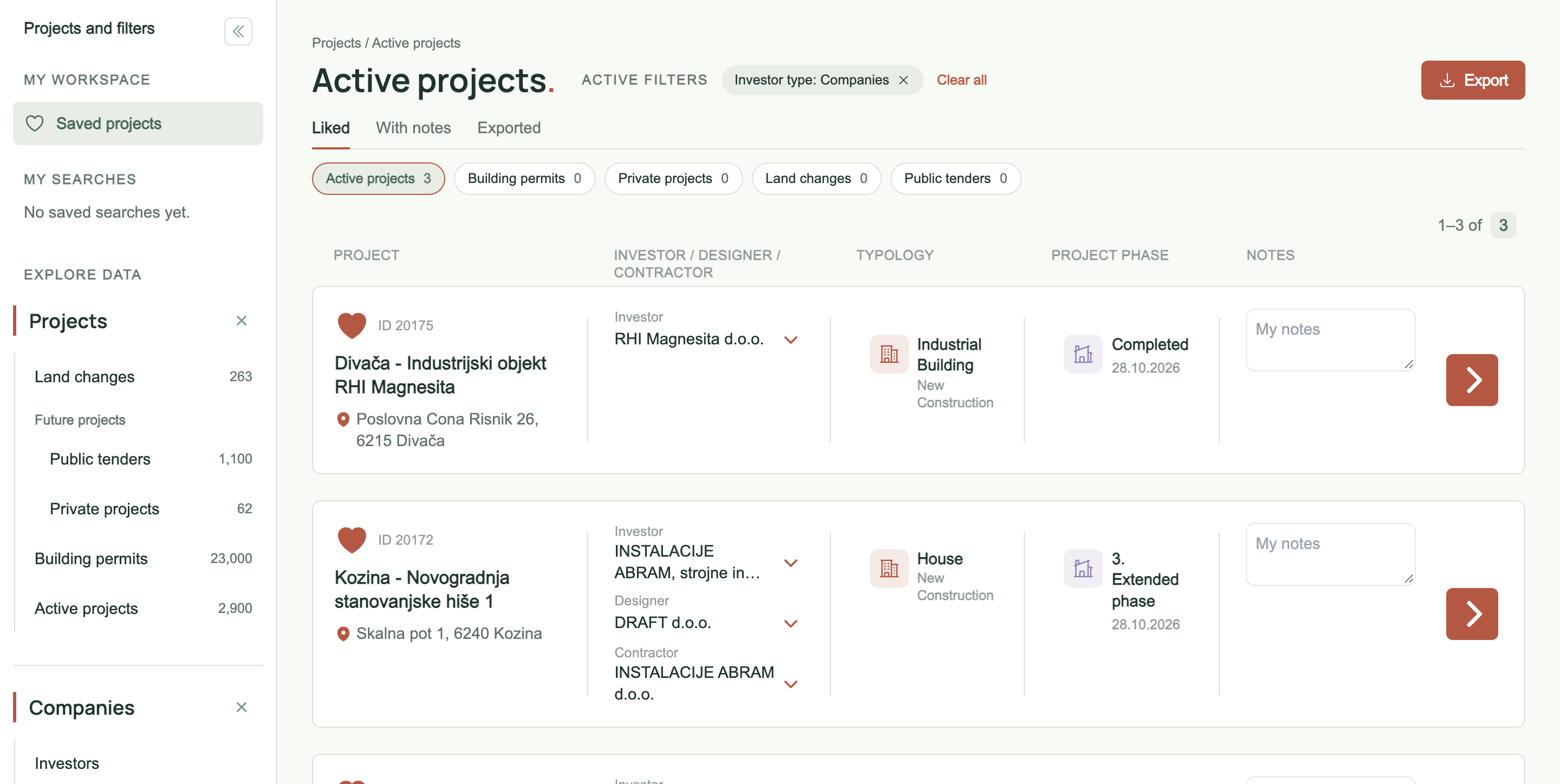
Save interesting projects to a focused list and add your own notes. Return to the opportunities that matter without repeating the search.
A lightweight workspace for following your favourite projects.
Find companies.
See their activity.
Explore investors, architects and other companies. Review the projects they are involved in and focus on those with relevant active projects.
Build a targeted approach around companies and their construction activity.
Open the company directory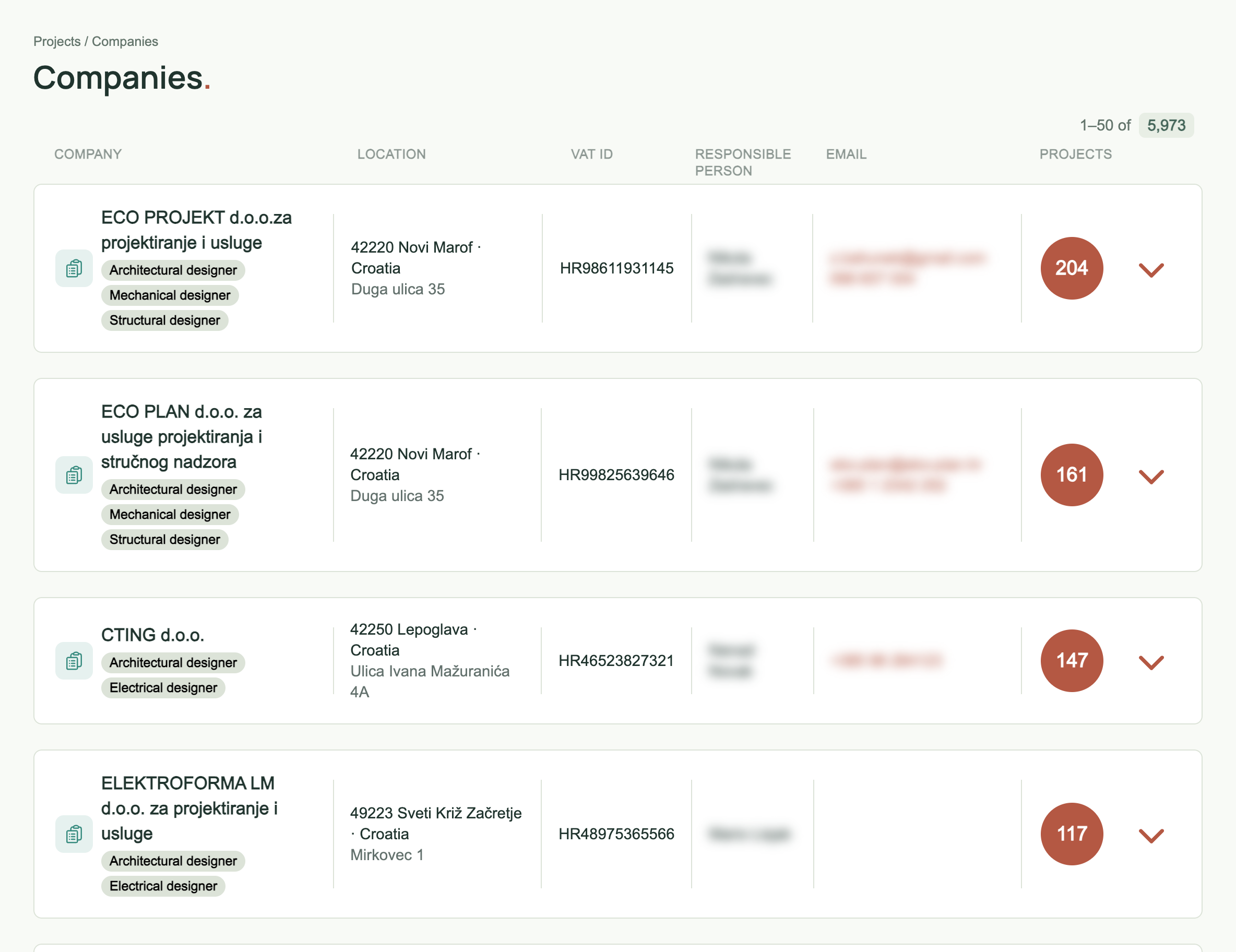
Not sure where to start?
Ask Scout.
Tell Scout about your business, markets and the people you want to reach. It helps you choose relevant projects when you are unsure which filters to use.
Turn your business profile into a more focused project search.
Meet Scout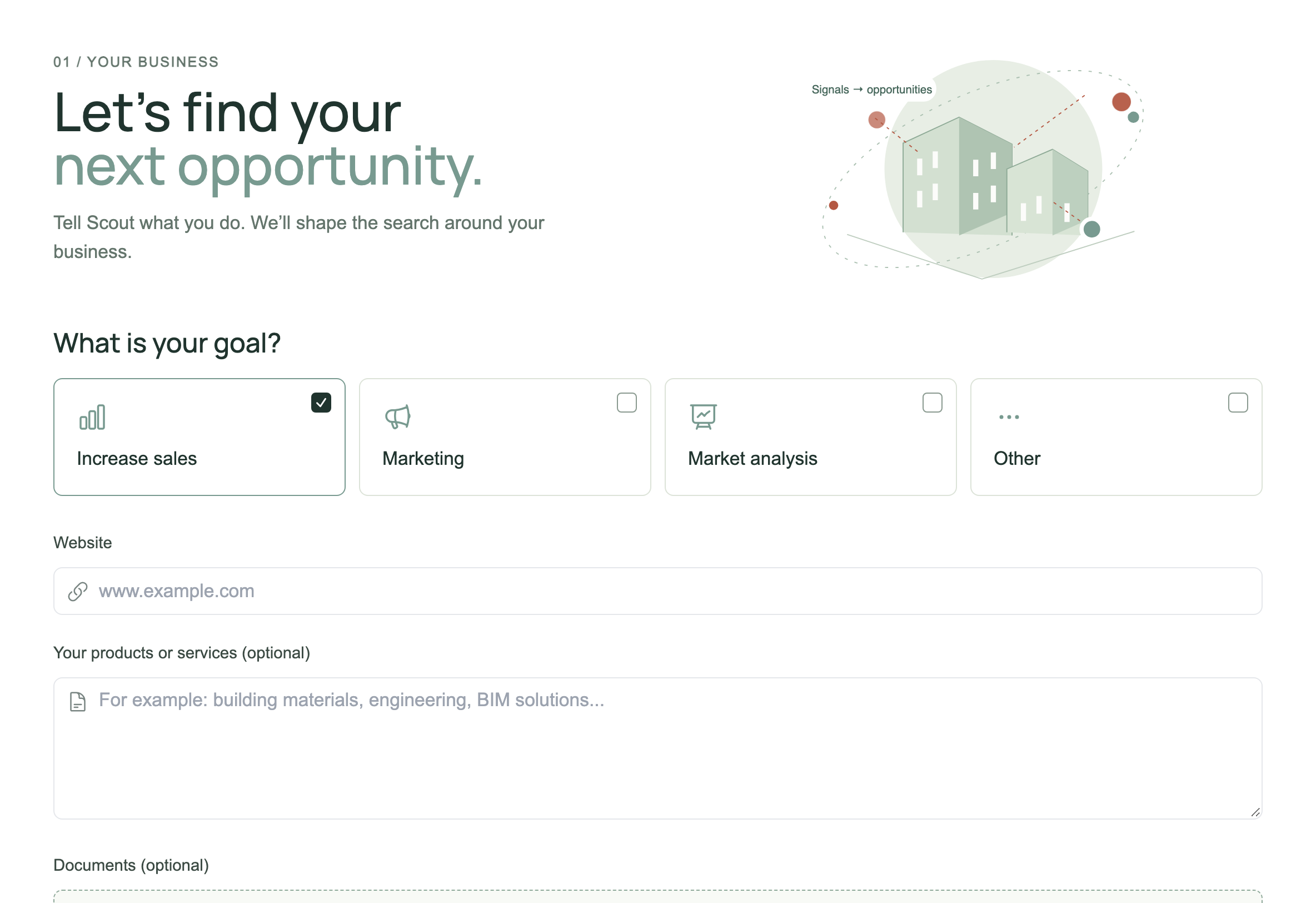
Understand how
your team works.
See a proposed view of company usage: active users, project views, saved projects and exports. Understand how your team puts Realtracing to work.
Follow your company’s usage and identify where to improve.
A clearer view of your activity.
- ABAlex Brown142
- JLJamie Lee101
- SMSam Morgan64
- +Other users35
Sample numbers and people for the proposed analytics interface. Not actual customer usage.
See what is happening
across the market.
Explore a proposed view of market activity: residential and non-residential projects, building permits and construction phases. Spot the patterns behind the project list.
Understand the market and use that context to plan your next move.
What is being built. And where.
- Residential744
- Non-residential496
- Planning248
- Permit310
- Construction372
- Extended phase186
- Finishing124
Illustrative market data, not current market statistics. Building type and phase are two views of the same 1,240 sample projects.
Find the project. Start the conversation.
In 15 minutes we show you the projects, people and phases that matter for your market.
Book a demo